What is Version Control? Types of VCS and Why Git Became the Industry Standard (2026)
Still saving files as "final_ACTUAL_FINAL.js"? Learn what version control is, the difference between centralized and distributed VCS, why Git replaced SVN, and how Git actually works — explained simply for beginners.
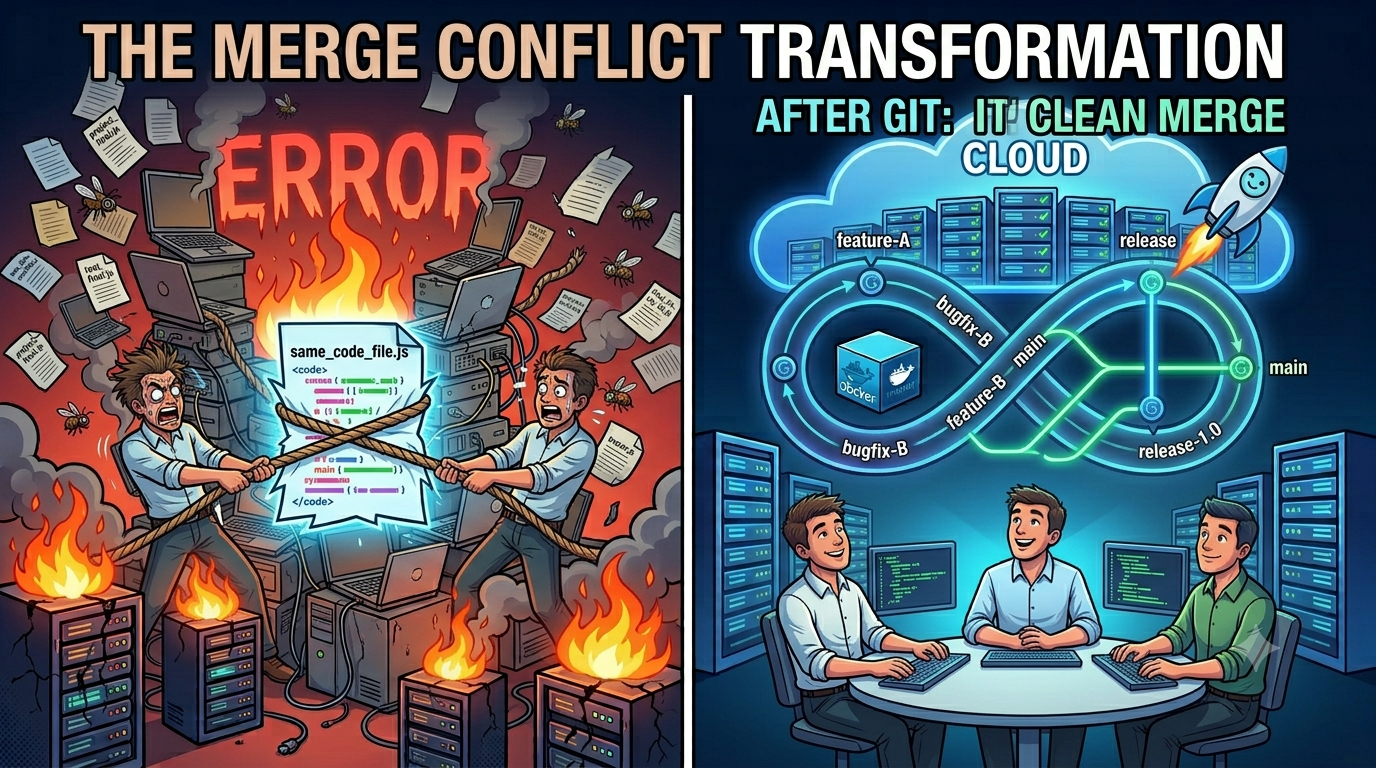
What is Version Control? Types of VCS and Why Git Became the Industry Standard (2026)
Have You Ever Done This?
You are working on a project. You make some changes. Something breaks. You try to undo it but you cannot remember exactly what you changed. So you save a copy of the file as project_final.js, then later project_final_v2.js, then project_final_ACTUAL_FINAL.js, and eventually project_final_ACTUAL_FINAL_use_this_one.js.
If this sounds familiar, you have already experienced the problem that version control was built to solve.
Now multiply this across a team of ten developers all working on the same codebase at the same time. Without a system to manage changes, the result is chaos — files overwriting each other, nobody knowing what changed, and bugs appearing from nowhere.
Version control is the solution to all of this.
What is Version Control?
Version control is a system that tracks every change made to a file or a set of files over time. It records who made each change, what exactly was changed, and when it happened. At any point, you can go back to any previous version of your code.
Think of it like a detailed save history for your entire project — except far more powerful than anything a text editor offers.
With version control, you can:
- See the complete history of every change ever made to your codebase
- Go back to any previous version at any time
- Work on new features without affecting the main working code
- Collaborate with a team without overwriting each other's work
- Find out exactly when and why a bug was introduced
- Experiment freely knowing you can always undo everything
Version control is not optional in professional software development. It is the foundation that everything else is built on — CI/CD pipelines, code reviews, collaborative workflows, and deployment automation all depend on version control being in place.
Types of Version Control Systems
Version control systems have evolved significantly over the decades. There are three main types, each representing a different approach to solving the same problem.
1. Local Version Control Systems
The earliest approach to version control was entirely local — changes were tracked on a single machine with no network involved.
The simplest form of this is what most people do naturally — copying files into folders with names like "backup" or "old version." Dedicated local VCS tools like RCS (Revision Control System) formalized this by storing changes in a special database on the local machine.
The obvious problem: everything exists on one machine. If that machine fails, all history is lost. And collaboration with other developers is nearly impossible.
2. Centralized Version Control Systems (CVCS)
To solve the collaboration problem, centralized version control systems were developed. In a CVCS, all versions of the code are stored on a single central server. Developers connect to that server, check out the files they need to work on, make changes, and check them back in.
Popular CVCS tools: SVN (Subversion), CVS, Perforce.
This model solved the collaboration problem but introduced new ones:
- If the central server goes down, nobody can work
- If the central server's hard drive fails without a backup, everything is lost
- Developers need a network connection to do almost anything — committing, viewing history, comparing versions
- Large teams frequently run into conflicts when multiple people work on the same files
3. Distributed Version Control Systems (DVCS)
Distributed version control systems solve all of these problems. In a DVCS, every developer has a complete copy of the entire repository — including the full history — on their local machine.
Developers can commit changes, create branches, view history, and do almost everything without a network connection. When they are ready to share their work, they push their changes to a remote repository that the whole team can access.
If the remote server goes down, every developer still has a complete copy of everything. Work can continue uninterrupted.
Popular DVCS tools: Git, Mercurial.
Git is by far the dominant distributed version control system in use today.
Centralized vs Distributed — Side by Side
| Area | Centralized (SVN) | Distributed (Git) |
|---|---|---|
| Repository location | One central server | Every developer has a full copy |
| Works offline | No — needs server connection | Yes — full functionality offline |
| Speed | Slower — depends on network | Faster — most operations are local |
| Single point of failure | Yes — server failure stops all work | No — every clone is a full backup |
| Branching | Slow and expensive | Fast and lightweight |
| Popular tools | SVN, CVS, Perforce | Git, Mercurial |
| Industry adoption (2026) | Declining | Dominant |
What is Git?
Git is a free, open-source distributed version control system created by Linus Torvalds in 2005. Linus Torvalds is also the creator of the Linux kernel — he built Git because he needed a better way to manage contributions to Linux from thousands of developers around the world.
Git was designed from the beginning to be:
- Fast — most operations happen locally, with no network required
- Reliable — data integrity is built in; Git detects corruption automatically
- Distributed — every developer has a complete copy of the repository
- Branching-friendly — creating and merging branches is fast and lightweight
Since its creation, Git has become the universal standard for version control. In 2026, Git is used by virtually every software team in the world — from individual developers working on personal projects to companies like Google, Microsoft, and Amazon managing codebases with millions of lines of code.
Git vs SVN — Why Git Won
SVN (Apache Subversion) was the dominant version control system before Git. Understanding why Git replaced it helps explain what makes Git so powerful.
| Area | SVN | Git |
|---|---|---|
| Architecture | Centralized | Distributed |
| Branching | Slow, directory-based, expensive | Fast, lightweight, encouraged |
| Offline work | Very limited | Full functionality |
| Speed | Network-dependent | Mostly local — very fast |
| History | Linear | Non-linear, supports complex workflows |
| Storage | Stores differences between versions | Stores snapshots of the entire project |
| Adoption (2026) | Legacy systems only | Industry standard everywhere |
The ability to branch quickly and work offline were the two biggest reasons developers switched to Git. Branching in SVN was slow and discouraged; branching in Git is instant and central to how the tool is designed to be used.
How Git Works — The Core Concepts
Before writing a single Git command, it helps to understand how Git thinks about your code.
Snapshots, not differences
Most version control systems store changes as a list of differences between file versions — "on line 42, this word changed to that word." Git works differently. Every time you save a version of your project in Git (called a commit), Git takes a snapshot of every file in the project at that moment and stores a reference to that snapshot.
This approach makes Git extremely fast at switching between versions and comparing states of the project.
The three states
Every file in a Git project exists in one of three states:
- Modified — you have changed the file but not yet told Git about it
- Staged — you have marked the modified file to be included in the next commit
- Committed — the change has been saved permanently in the Git repository
Understanding these three states is the key to understanding how Git commands work. Every core Git command moves files between these states.
The three areas
Corresponding to the three states, Git projects have three main areas:
- Working directory — where you actually edit files on your computer
- Staging area (Index) — a preparation area where you assemble the changes you want to commit
- Repository (.git directory) — where Git permanently stores the committed snapshots of your project
The typical Git workflow is: make changes in the working directory → stage the changes you want to save → commit the staged changes to the repository.
Where Does GitHub Fit In?
A common point of confusion for beginners is the difference between Git and GitHub.
Git is the version control tool — the software that runs on your computer and tracks changes to your code.
GitHub is a cloud-based hosting service for Git repositories. It provides a remote location where you can store your Git repository so others can access it, and it adds collaboration features on top of Git — pull requests, code review, issue tracking, and project management.
Other similar services exist — GitLab and Bitbucket are the most popular alternatives — but GitHub is the most widely used platform in the world with over 100 million developers as of 2026.
The relationship is simple: Git is the tool, GitHub is where you store and share what you build with that tool.
Why Every Developer Needs to Know Git
Git is not a DevOps-specific skill. It is a fundamental skill for every person who writes code — developers, DevOps engineers, data scientists, and even technical writers.
Here is why:
- Every modern CI/CD pipeline is triggered by Git events — a push, a pull request, a merge
- Code reviews happen through Git platforms like GitHub and GitLab
- Every open source project in the world uses Git
- Job listings for software roles almost universally list Git as a required skill
- Cloud providers like AWS and Azure integrate directly with Git repositories for deployment
Learning Git is not optional if you want to work in any technical role in the software industry.
Interview Q&A
Q1. What is version control and why is it important?
Version control is a system that records every change made to a file or set of files over time, allowing you to recall specific versions later. It is important because it enables teams of developers to collaborate on the same codebase without overwriting each other's work, provides a complete history of every change ever made, allows reverting to previous versions when bugs are introduced, and forms the foundation for CI/CD pipelines and automated deployment workflows. Without version control, collaborative software development at any meaningful scale is nearly impossible.
Q2. What is the difference between centralized and distributed version control?
In a centralized version control system, all code history is stored on a single central server and developers must connect to that server to commit changes, view history, or do almost anything. If the server goes down, work stops. In a distributed version control system like Git, every developer has a complete copy of the entire repository including full history on their local machine. They can commit, branch, and view history offline, and sync with a remote server when ready. Distributed systems are faster, more reliable, and support more flexible workflows.
Q3. Who created Git and why?
Git was created by Linus Torvalds in 2005. Linus is also the creator of the Linux kernel. He built Git because the Linux project needed a version control system that could handle contributions from thousands of developers simultaneously, work at high speed, and support non-linear development through fast branching and merging. The existing tools at the time — particularly BitKeeper, which the Linux project had been using — did not meet these requirements, so Linus built Git from scratch in a matter of weeks.
Q4. What is the difference between Git and GitHub?
Git is a distributed version control system — a tool that runs on your local computer and tracks changes to your code. GitHub is a cloud-based hosting platform for Git repositories that adds collaboration features on top of Git, including pull requests, code review, issue tracking, and project management. Git can be used without GitHub — you can use Git locally or with other hosting services like GitLab or Bitbucket. GitHub cannot be used without Git — it is built entirely on top of Git.
Q5. What are the three states of a file in Git?
Every file in a Git project exists in one of three states. Modified means the file has been changed in the working directory but Git has not been told about it yet. Staged means the modified file has been marked using git add to be included in the next commit. Committed means the change has been permanently saved in the Git repository using git commit. Understanding these three states is fundamental to understanding how Git works and why each Git command exists.
Q6. Why did Git replace SVN as the industry standard?
Git replaced SVN primarily because of two major advantages — fast, lightweight branching and full offline functionality. In SVN, creating a branch was slow and expensive, so branches were used sparingly. In Git, branching is instant and central to the entire workflow, enabling modern practices like feature branches and pull requests. Git also allows developers to work completely offline, committing changes and viewing history without any network connection. Combined with its distributed nature — meaning no single point of failure — Git proved far superior for modern software development workflows.
Zero to DevOps Series — Blog 6